
Home Office Furniture Setup for Better Comfort, Storage, and Productivity
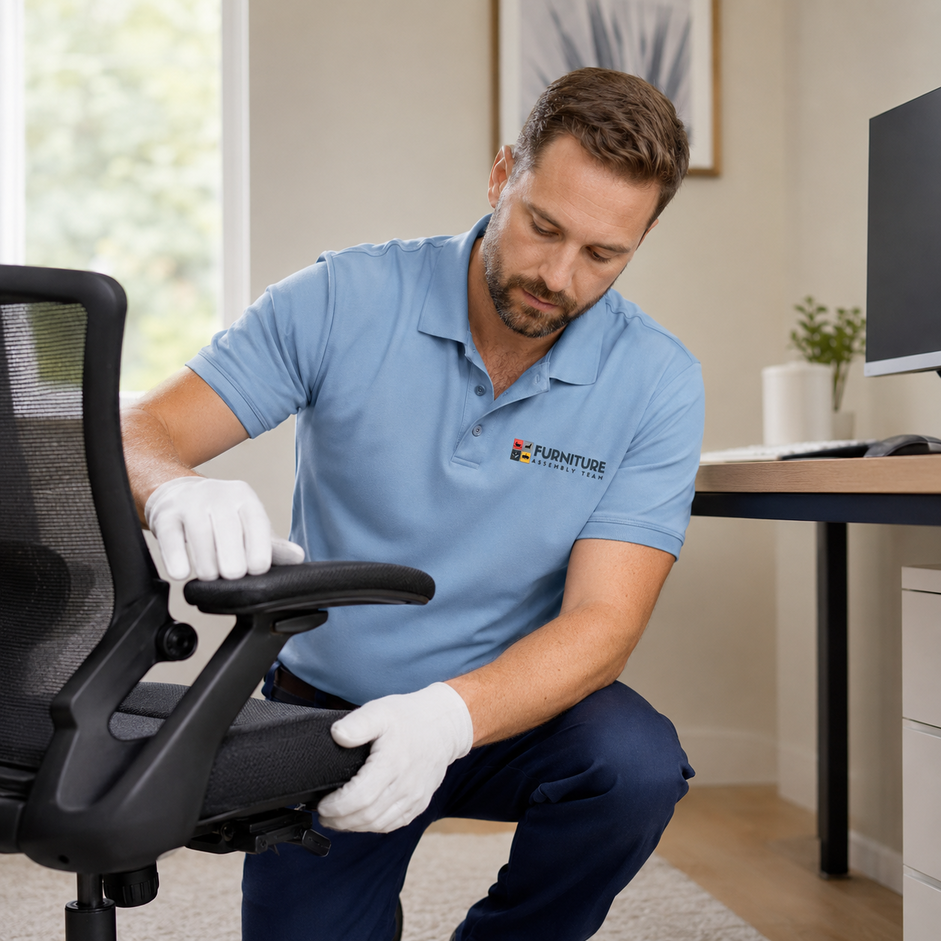
A well-planned home office furniture setup improves posture, reduces clutter, and helps you focus longer with fewer distractions. Thoughtful desk placement, smart storage, and clean cable routing turn any room into a workspace that supports comfort and daily output. Professional setup makes ergonomics easier, organizes shelves and electronics, and helps small or shared rooms feel functional instead of cramped.
- Better ergonomic comfort that protects your back, neck, and wrists during long hours
- Smarter storage organization that keeps files, supplies, and tech within easy reach
- Improved workflow and focus thanks to intentional desk placement and clean sightlines
- Cleaner cable management that prevents tangles, tripping hazards, and dust buildup
- Higher productivity in daily work through a calm, efficient workspace layout
Home Office Furniture Setup for Productive Workspaces
A home office often starts simple, then slowly fills with mismatched desks, overflowing shelves, tangled cords, and chairs that hurt by lunchtime. As work hours grow, poor lighting, cramped layouts, and limited storage start to chip away at focus and energy. Deadlines feel heavier, meetings feel messier, and the room you once loved begins to feel like a barrier.
A professional home office furniture setup solves this by aligning your desk, seating, storage, and electronics around how you actually work. Whether you need a full remote work setup or a quick refresh, expert assembly turns a frustrating room into a calm, productive space.
Why Home Office Furniture Setup Matters for Productivity
A proper home office furniture setup matters because it directly shapes posture, focus, and daily output. When desks, chairs, and shelves are arranged with intention, work feels smoother, breaks feel restorative, and fatigue drops noticeably across long workdays.
Remote workers often underestimate how much a poorly placed monitor or wobbly desk drains energy. Freelancers juggling clients need quick access to files and tools without digging through piles. Corporate employees on hybrid schedules benefit from a stable, screen-friendly zone that matches their office desk at headquarters. Even students writing late night papers feel the difference when seating and lighting support them.
A complete home office assembly ties all these elements together so the space works as one system rather than a collection of random pieces. For inspiration on layouts, browsing curated home office ideas can help you visualize how furniture, color, and storage come together.
How Proper Desk Placement Improves Workflow and Focus
Proper desk placement improves workflow by aligning your body, screen, and natural light so you avoid glare, eye strain, and constant repositioning. A desk facing the right direction can reduce distractions, support better posture, and create a clear mental boundary between work and home life.
- Place the desk perpendicular to windows so daylight reaches the surface without washing out your monitor
- Keep at least 3 feet of clearance behind the chair for easy movement and stretching
- Position the monitor so the top of the screen sits at or just below eye level
- Avoid facing high-traffic doorways that pull your attention away during deep work
- Allow space for a second device, notebook, or printer to keep frequent tools within reach
Work from home parents often benefit from desks placed away from shared living zones, while consultants taking client calls usually prefer a neutral wall behind them on camera.
What Common Home Office Setup Mistakes Reduce Efficiency
The most common home office setup mistakes that reduce efficiency include cramped desks, mismatched chair heights, poor lighting, overloaded shelves, and ignored cable routing. These small issues compound quickly, leading to neck pain, lost files, slow mornings, and constant low-grade frustration during the workday.
- Choosing a desk too small for dual monitors or paperwork
- Using a dining chair instead of an ergonomic home office setup chair
- Stacking storage bins on the floor instead of vertical shelving
- Ignoring lighting until the afternoon glare ruins video calls
- Running cables loosely across walkways or behind unsteady furniture
A quick refresh, or even a full office furniture disassembly and rebuild, can correct years of layout problems in a single afternoon.
How Storage Solutions Improve Workspace Organization
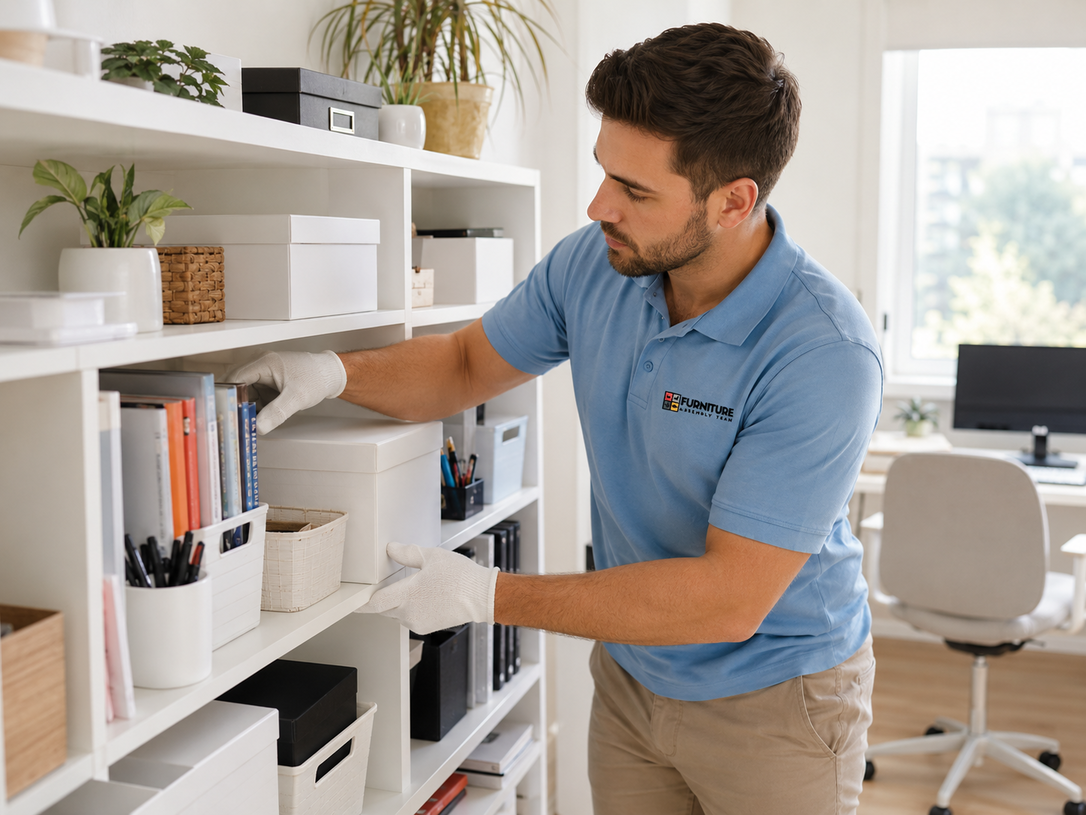
Strong storage solutions improve workspace organization by giving every item a clear home, which keeps surfaces clear and reduces decision fatigue. With smart shelves, drawers, and vertical units, even a small home office setup can hold supplies, paperwork, and tech without feeling crowded.
| Storage Type | Best For | Ideal User |
|---|---|---|
| Wall-mounted shelves | Books, binders, decor | Small apartments |
| Under-desk drawer units | Daily supplies, cables | Remote workers |
| Tall bookcases | Reference files, archives | Consultants, students |
| Filing cabinets | Tax docs, client folders | Freelancers, accountants |
| Modular cube storage | Mixed personal and work items | Shared home offices |
Browsing office furniture sets can help you compare matching storage and desk combinations that suit your room dimensions.
Why Ergonomics Matter in Home Office Furniture Setup
Ergonomics matter because they protect your body during long work hours and prevent the slow buildup of pain that quietly destroys productivity. A balanced ergonomic home office setup supports the spine, eases shoulder tension, and keeps wrists neutral across typing-heavy days.
- Chair height set so feet rest flat and knees stay near a 90-degree angle
- Lumbar support that maintains the natural curve of the lower back
- Keyboard and mouse placed close enough to avoid reaching
- Monitor distance of roughly an arm's length from the eyes
- Footrest or adjustable desk for users who alternate sitting and standing
This is why many remote employees explore office assembly benefits before committing to a full workspace overhaul.
Home Office Furniture Setup Defined
Home office furniture setup is the process of arranging, assembling, placing, and organizing desks, chairs, shelves, storage, electronics, and cables so the workspace supports comfort, focus, and daily productivity. It blends ergonomic principles with practical layout decisions tailored to the room and the worker.
How Lighting and Layout Affect Work Performance
Lighting and layout affect work performance by shaping mood, energy, and visual comfort throughout the day. Natural light boosts alertness, while layered task lighting prevents the eye strain that builds up during long screen sessions and detailed reading.
- Combine ambient ceiling light with a focused desk lamp
- Choose bulbs around 4000K to 5000K for a clean, daylight feel
- Position lighting to the side of the screen, never directly behind it
- Reserve a soft warm lamp for late hours to ease the transition off work
- Keep the floor plan open enough to allow chair movement and stretching
Hybrid workers and home-based consultants often pair good lighting with flexible workspace setup plans that adapt to changing schedules.
What Furniture Choices Improve Comfort and Long Term Health
Furniture choices that improve comfort and long-term health include adjustable chairs, sit-stand desks, supportive accessories, and durable storage built to last. Quality pieces reduce repetitive strain, support better posture, and hold up under daily use far better than budget alternatives.
- Mesh-back ergonomic chair with adjustable arms and lumbar support
- Sit-stand desk with quiet, stable motors and a wide working surface
- Monitor arm to free desk space and improve screen positioning
- Anti-fatigue mat for standing intervals
- Filing or credenza unit that doubles as printer storage
When selecting major pieces, look for furniture compliance standards that confirm safety, stability, and material quality. Many buyers also browse home office furniture collections before scheduling installation.
Why Cable Management Keeps Workspaces Clean and Safe
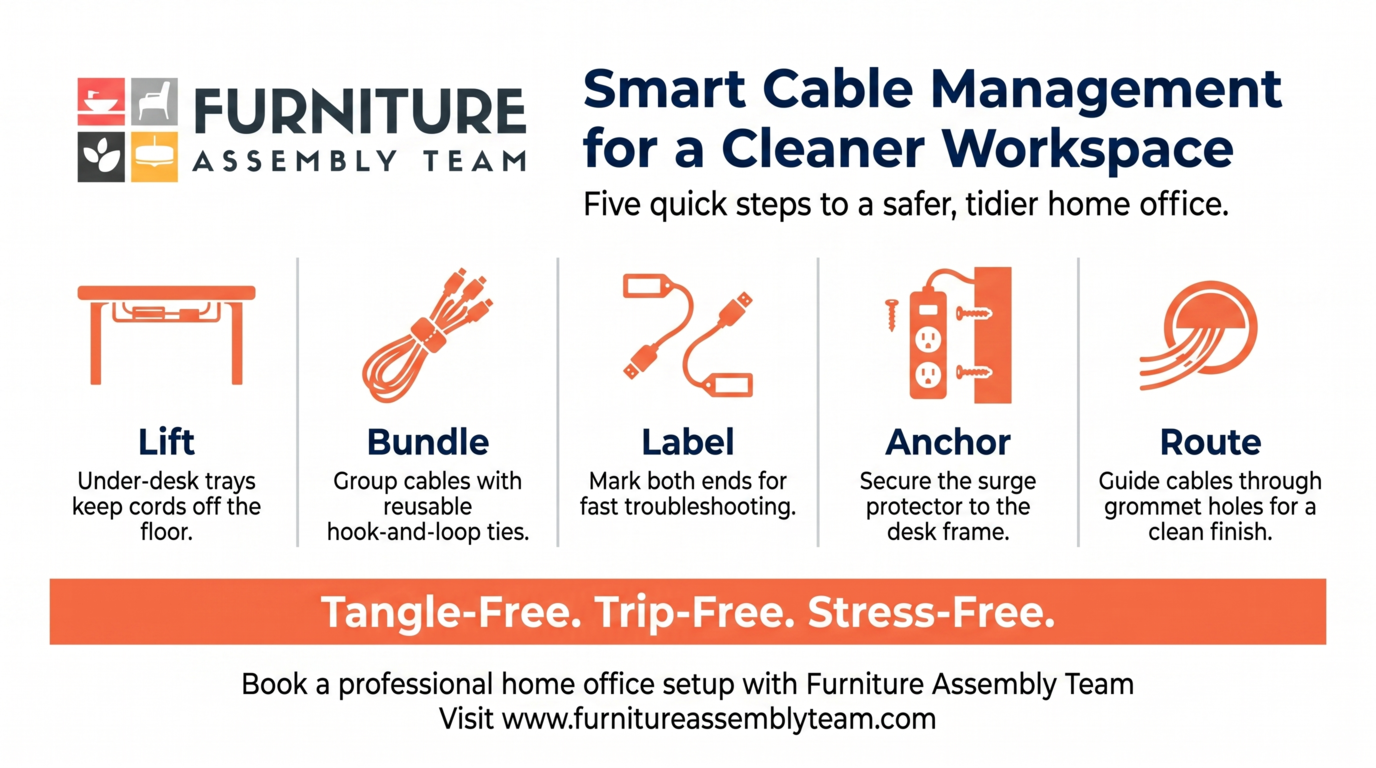
Cable management keeps workspaces clean and safe by preventing tangles, dust traps, tripping hazards, and accidental disconnects during important calls. Tidy cables also extend the life of chargers, monitors, and docking stations by reducing strain on connectors.
- Use under-desk trays to lift cords off the floor
- Group power and data cables with reusable hook-and-loop ties
- Label both ends of each cable for quick troubleshooting
- Anchor the surge protector to the desk frame
- Route monitor and laptop cables through grommet holes when possible
Cable cleanup is often the final step after a move, and many homeowners pair it with help to move electronics safely into the new room.
When Homeowners Should Upgrade Their Home Office Setup
Homeowners should upgrade their home office setup when the current layout causes daily discomfort, blocks productivity, or no longer fits the way they work. Upgrades also make sense after a promotion, a move, a new hybrid schedule, or the addition of new equipment.
- Persistent back, neck, or wrist pain by mid-afternoon
- Repeated camera angle issues during video meetings
- Storage overflow that spills onto the floor or bed
- Outdated furniture that wobbles, squeaks, or no longer adjusts
- A growing need for dual monitors, standing options, or a second seat
Knowing what to expect during this process helps, and reviewing professional assembly expectations gives a clear picture of timing, prep, and results. For full builds, complete office furniture installation services cover assembly, placement, and final adjustments.
Get Professional Home Office Furniture Setup Help
Furniture Assembly Team builds workspaces that support comfort, focus, and clean cable routing from day one. Our technicians handle ergonomic positioning, organized storage, and full workspace furniture installation so you can start working without the stress of guesswork. We also support broader projects like garage equipment setup and outdoor add-ons such as basketball goal installation for families upgrading multiple spaces. Ready for a smarter home office? Contact Furniture Team today, or browse our full furniture setup services to schedule a visit.
Frequently Asked Questions
How do you set up a home office properly?
Start by choosing a quiet area, then place the desk near natural light without facing direct glare. Add an ergonomic chair, organize storage vertically, and route cables before powering on devices.
What furniture is best for home office productivity?
The best pieces include an adjustable ergonomic chair, a sturdy desk with enough surface area, and dedicated storage like shelves or filing units. Adding a monitor arm and good task lighting rounds out a productive setup.
How do you improve comfort in a home office?
Adjust chair height so feet sit flat, raise the monitor to eye level, and keep the keyboard close to avoid reaching. Soft lighting, a footrest, and short movement breaks also boost daily comfort.
How do you organize a small home office?
Use vertical storage, wall shelves, and under-desk drawers to maximize floor space. Choose a compact desk, hide cables along the wall, and limit decor to a few items so the room feels open.
Does ergonomic furniture improve productivity?
Yes, ergonomic furniture reduces pain, fatigue, and distractions that interrupt focused work. When your body feels supported, you can concentrate longer and complete tasks with fewer breaks for stretching or recovery.
How long does home office setup take?
A typical home office setup takes between two and five hours, depending on the number of pieces and the layout. Larger spaces with multiple desks, shelves, and electronics can extend into a full day.
When is professional home office setup needed?
Professional setup is helpful when you have complex furniture, tight rooms, multiple monitors, or limited time. It is also worthwhile after a move, a renovation, or any upgrade involving ergonomic equipment.